Papirofy
How to unlock a PDF and remove restrictions
Some PDFs ask for a password every time you open them, or won't let you print or copy text. If the document is yours or you have permission, you can save it without those limits.
Step by step
- Open Unlock PDF and choose the file.
- If it asks for a password, type it.
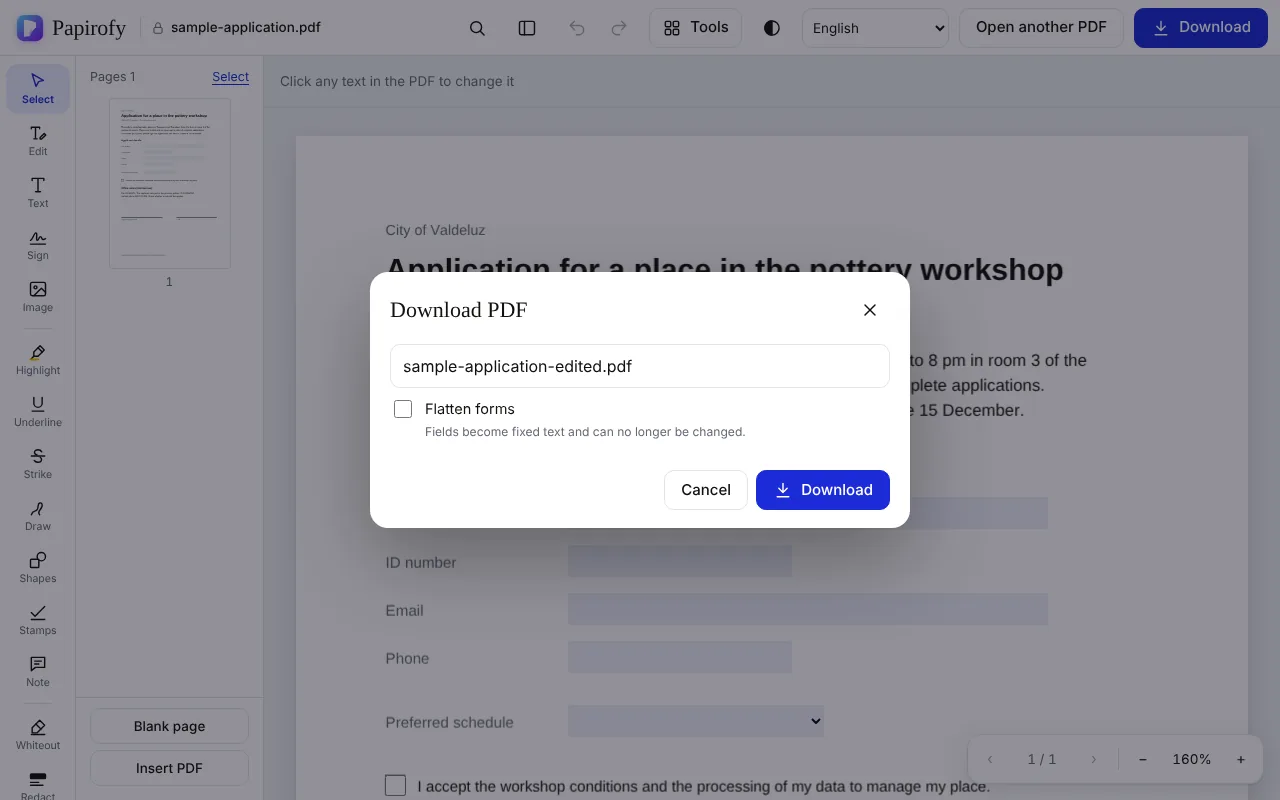
- The download window opens: the PDF will be saved without a password and without print or copy restrictions.
Keep in mind
- Papirofy does not "crack" passwords: you need to know it to open an encrypted PDF.
- Use this feature only on documents you own or are allowed to modify.