Papirofy
How to create a PDF from scratch for free
You don't always have a document to start from. Sometimes you just need a page with a few lines, a signature or an image to send as a PDF. You can do it right in your browser.
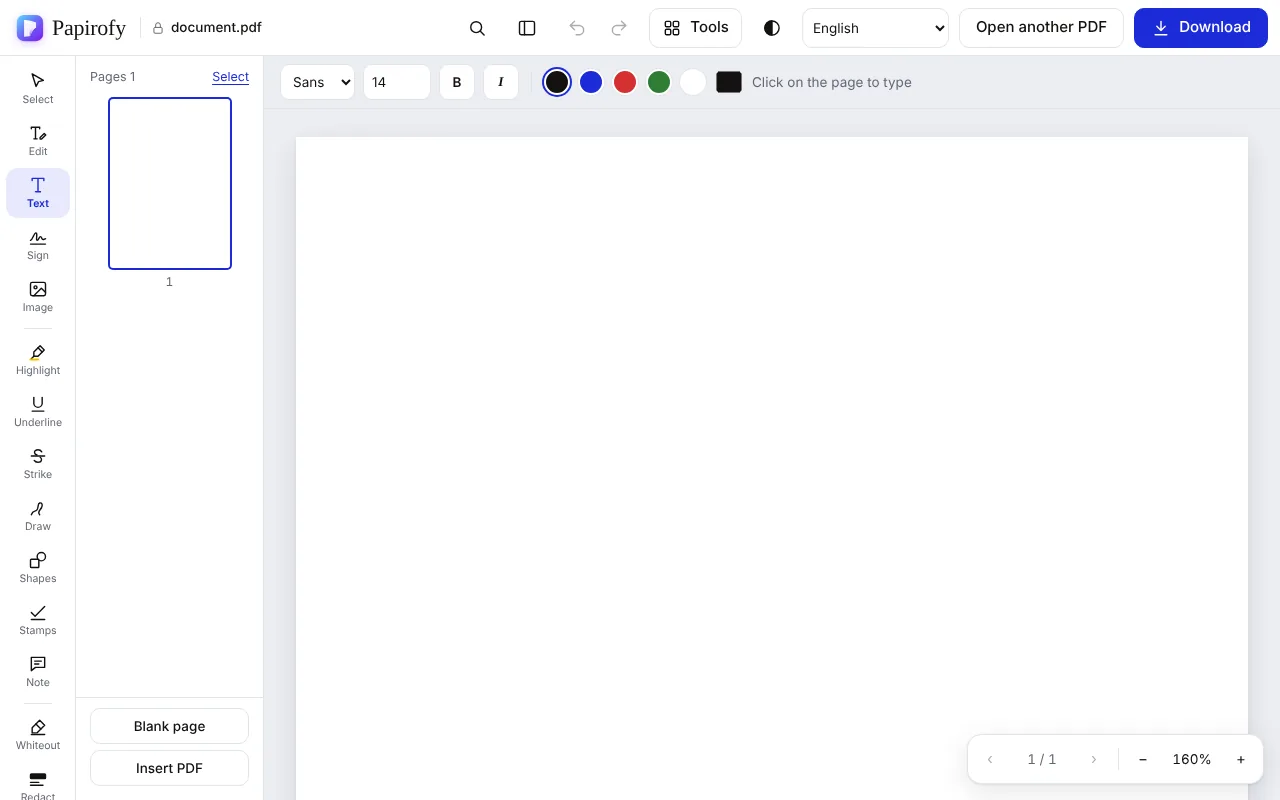
Step by step
- In Papirofy, choose Create a PDF from scratch and then Blank page. If you want to write text with headings and paragraphs, choose Write a document: it works like Word and you can download it as PDF or .docx.
- Use Text to type. Every text box can be moved and changed in size, color or font.
- Add what you need: Image for a logo or photo, Shapes for boxes and arrows, Sign for your signature.
- Need more pages? Add blank pages in the Pages panel.
- Press Download and your PDF is ready to send.
Ideas
- A signed permission slip for school or your building.
- A cover page for an assignment.
- A note with your logo to go with an order.
If what you need is an invoice or a receipt, use the dedicated tools: they calculate taxes and totals for you.