Papirofy
How to rotate, delete and reorder PDF pages

A scan with upside-down pages, a blank sheet too many, the wrong order… It takes seconds to fix.
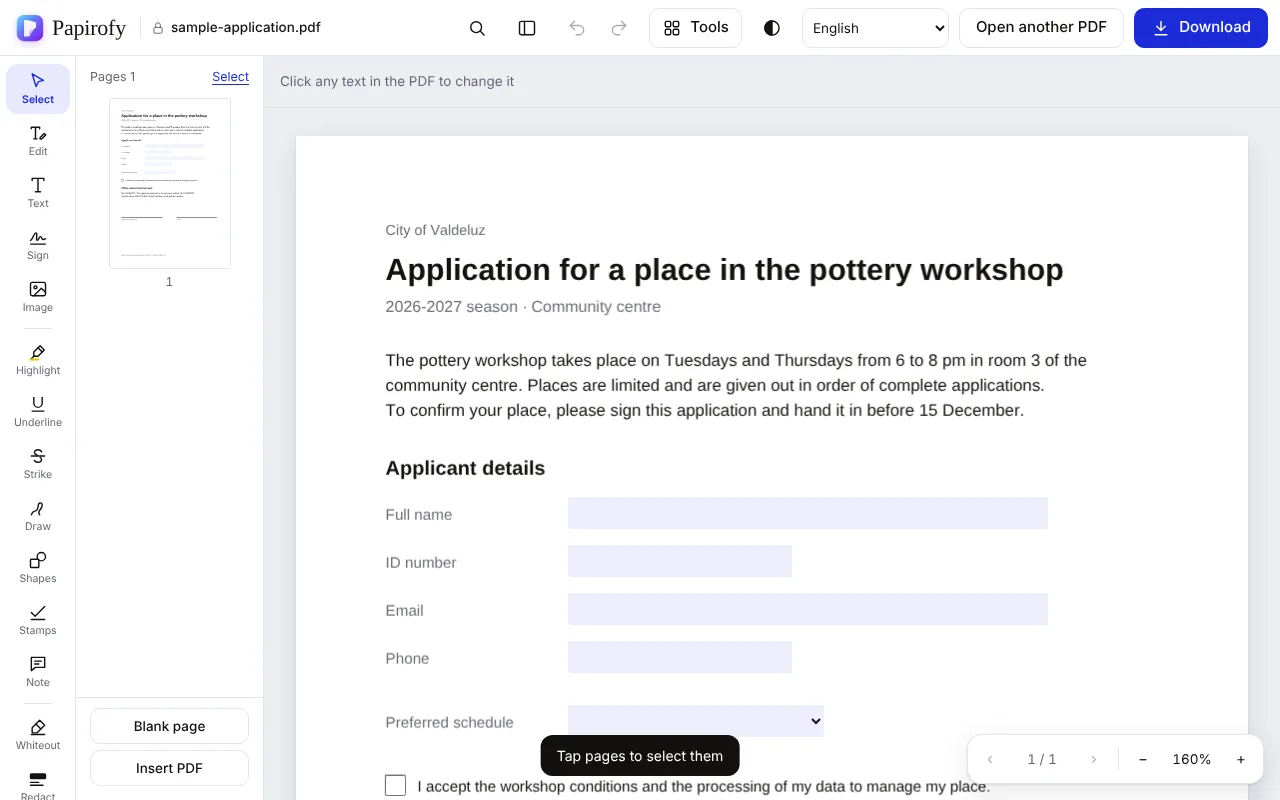
Step by step
- Open Organize pages and choose the PDF. The Pages panel opens with thumbnails.
- Tap pages to select them.
- Use Rotate, Delete or Duplicate in the pages bar.
- Drag thumbnails to change the order.
- Press Download.
Tip
You can insert blank pages or another PDF in between from the same panel.